Describe it.
GeekedGPT builds it.
Geeked IDE is an agent development environment for Windows. It looks like VS Code, but the editor is a chat, and the agent in it can edit your files, run commands, and click through your app in a built-in browser.
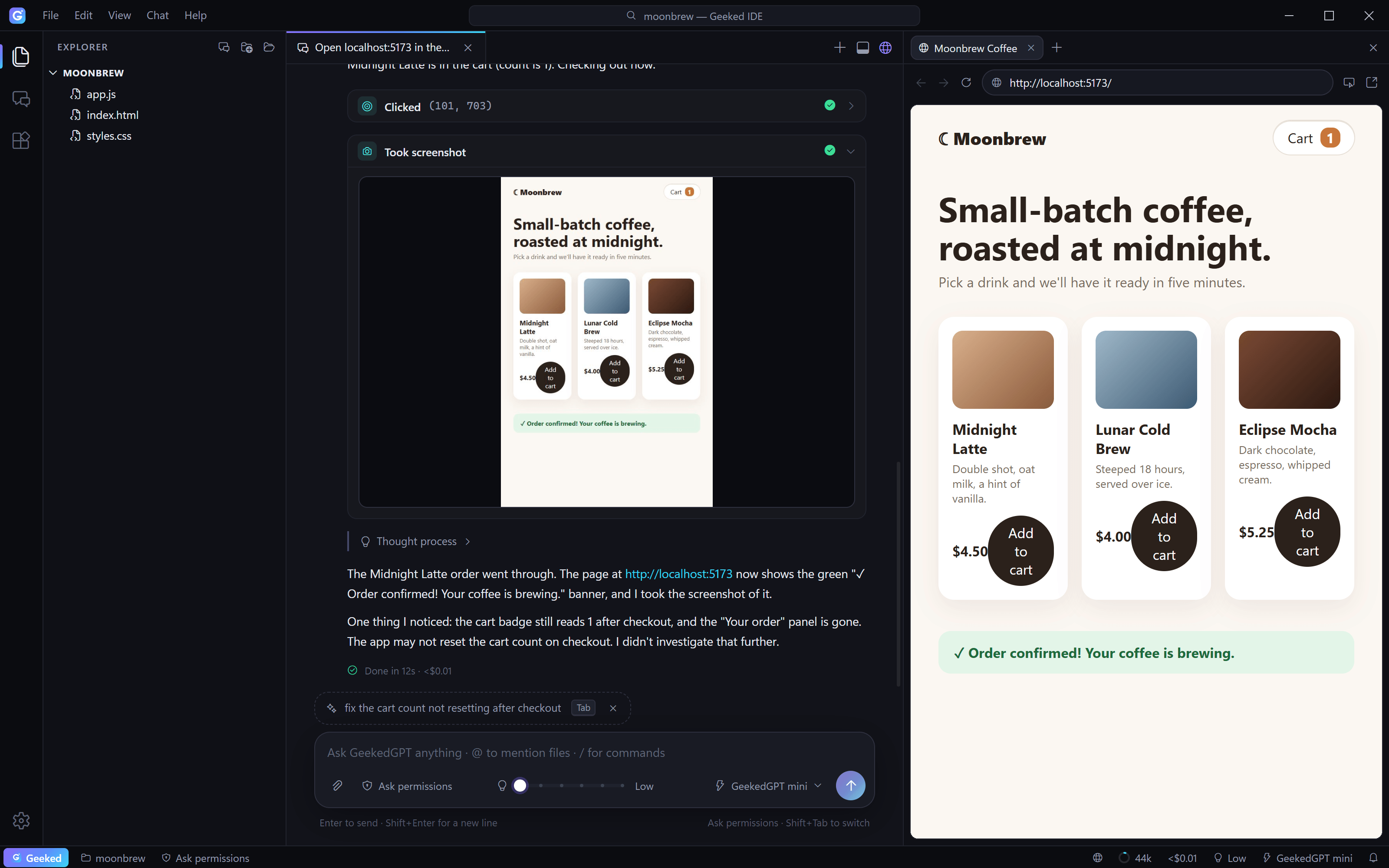
An IDE where the editor is a conversation.
Explorer, tabs, command palette, status bar: the layout you already know. You talk, and GeekedGPT does the work you would have done by hand.
Chat is the editor
Every chat is a tab. Streaming answers, tool cards with diffs, inline screenshots, and a todo list that ticks itself off as it works.
The whole Claude Code toolset
File edits, terminal commands, web search, subagents, skills, plugins, MCP servers and slash commands, ready in every chat.
A browser it can drive
GeekedGPT opens your site, clicks, types, reads the console and takes screenshots, right next to the chat where you can watch.
Plan first, then build
Plan mode researches without touching anything. It asks clarifying questions, then shows a plan you approve before it codes.
You stay in control
Approve each edit and command, auto-accept edits, or switch modes with Shift+Tab. File checkpoints let you roll changes back.
Projects in one click
Hit New Project, type a name, start chatting. Pick your default folder, open any existing folder, and pick up any past chat.
From a name to a plan in a minute.
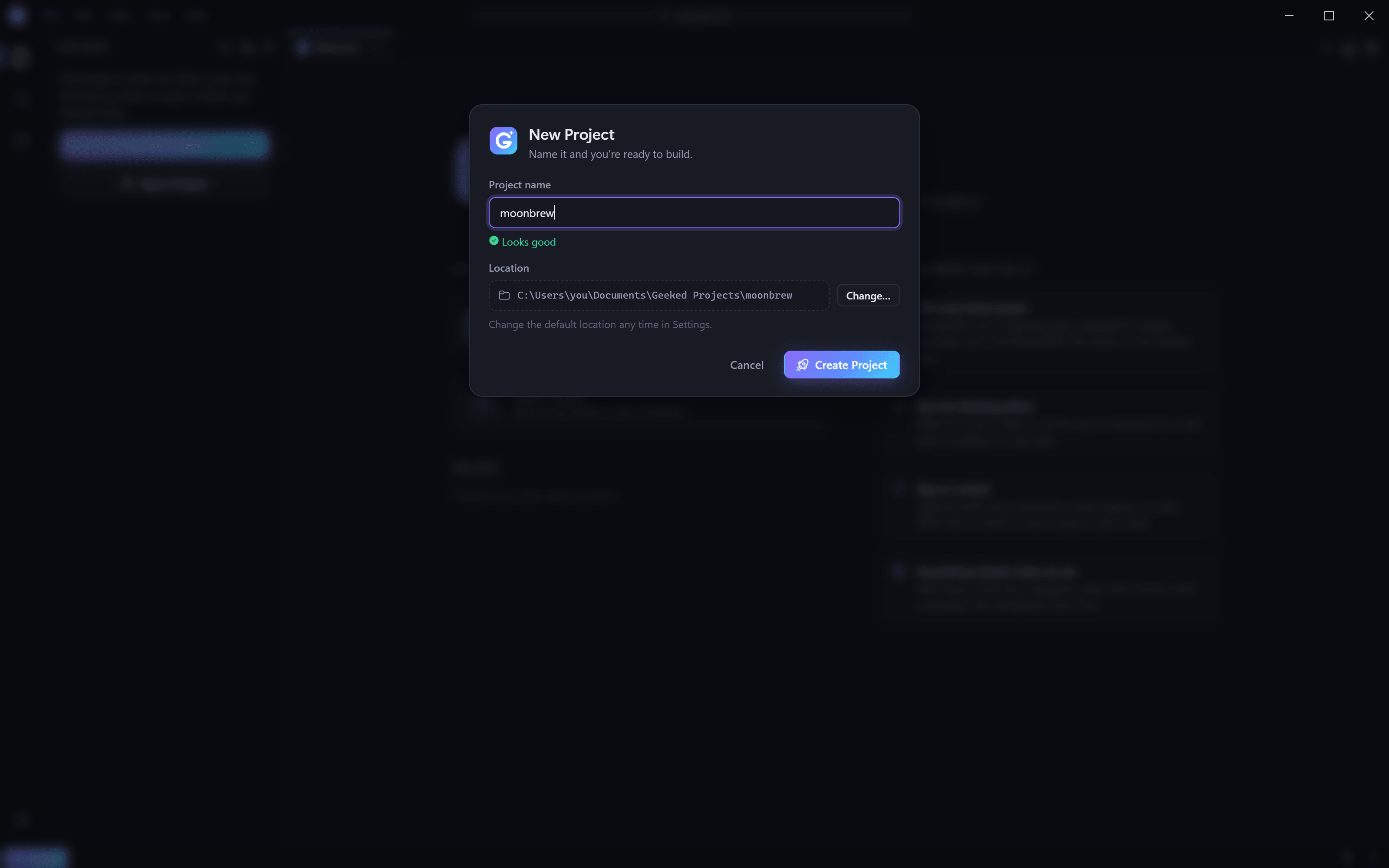
It doesn't just write the code. It checks it works.
- Opens your dev server or local files in a browser pane next to the chat.
- Clicks, types, scrolls and fills forms by reading the page, not guessing pixels.
- Reads the console and network to track down what broke.
- Optional Claude in Chrome lets it drive your own Chrome, with your sign-ins.
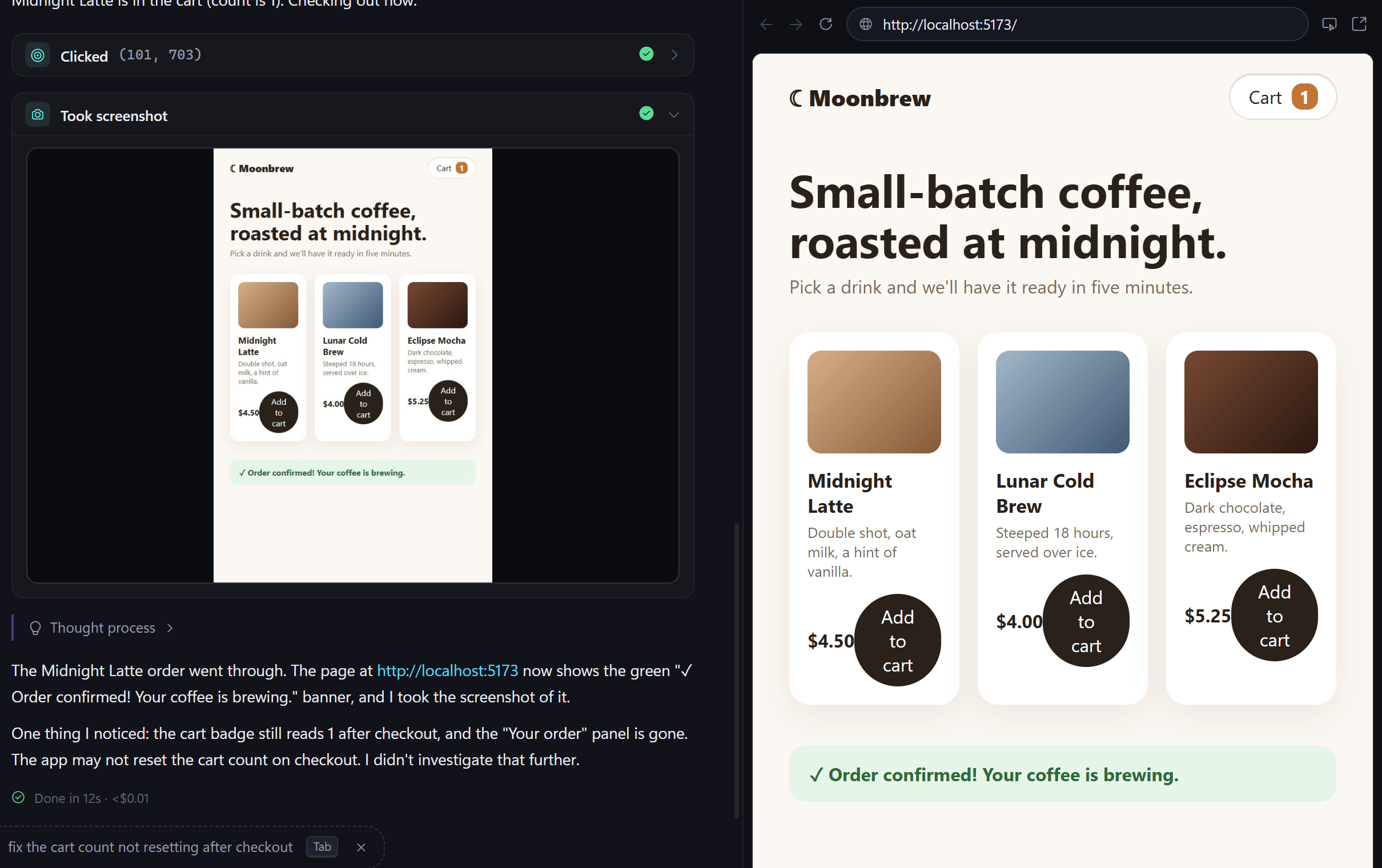
Dial how hard it thinks.
Drag the slider. Quick fixes stay fast; big jobs get deep reasoning, or Ultracode's multi-agent workflows.
Pick your brain power.
Switch any time from the composer. Every GeekedGPT model is a Claude model.
GeekedGPT mini
Fastest and lightest, for quick tasks and quick questions.
GeekedGPT
Smart and fast. The everyday pick for building things.
GeekedGPT Plus
The most capable tier for complex, multi-step work.
A fourth model?
It is hidden in the app. Type the code on this page, or tap this card seven times.
Up and running in three steps.
Install
Download the installer and run it. If SmartScreen appears, choose More info, then Run anyway.
Sign in
Already use Claude Code? You are set. Otherwise run claude and /login once, or paste an Anthropic API key in Settings.
Build something
Press New Project, give it a name, and tell GeekedGPT what to make.
Questions, answered.
Your next project is one sentence away.
Tell GeekedGPT what you want, then watch it build it, click through it, and check that it works.